
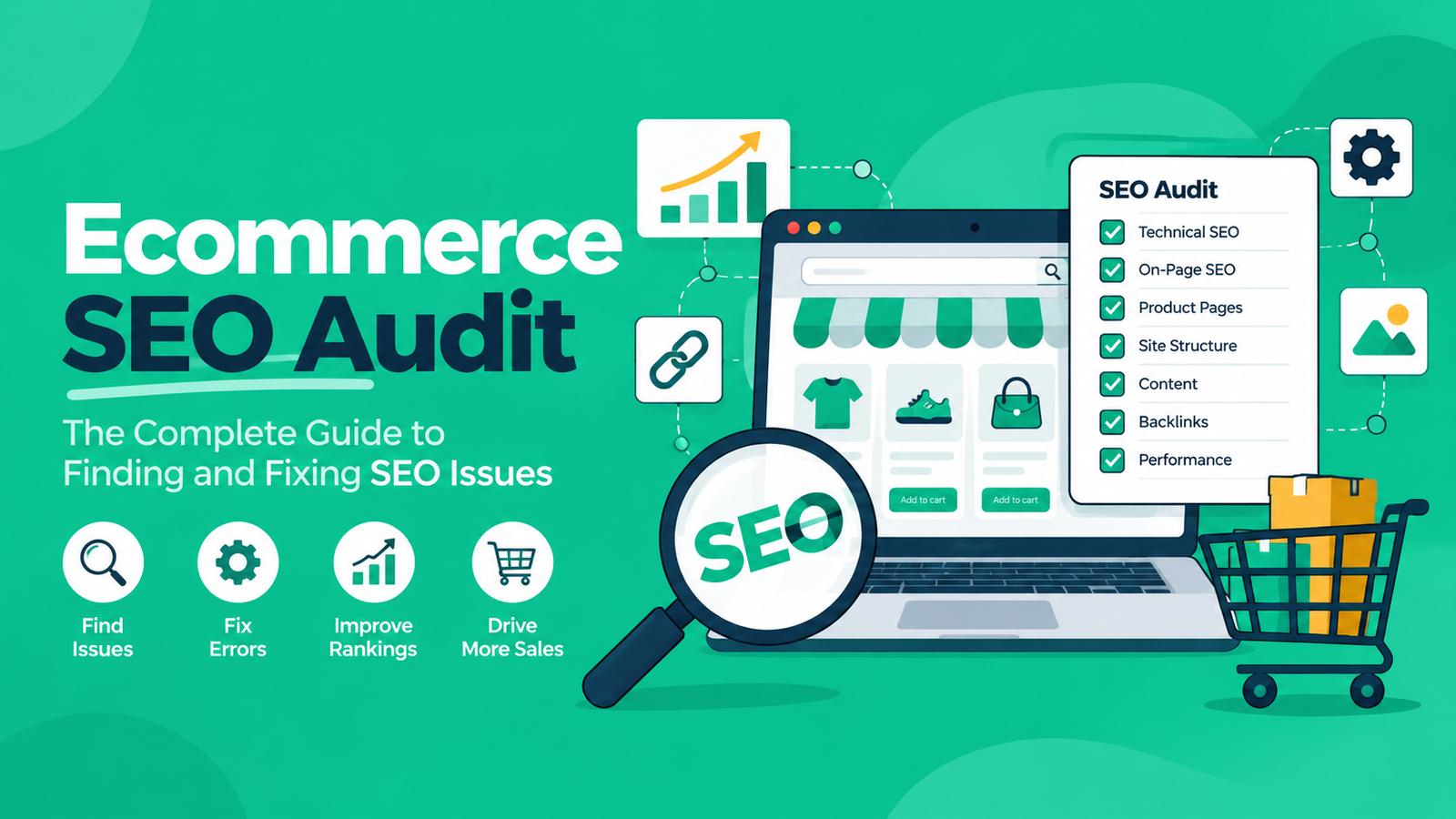
An ecommerce SEO audit is an end-to-end technical, architectural, and content evaluation of an online retail site. Its primary objective is to surface crawl inefficiencies, catalog indexation errors, duplicate variant paths, and structured data gaps. Executing a regular ecommerce website SEO audit allows search engines to discover, render, and index commercial inventory efficiently, preventing index bloat from consuming finite crawl allocation.
What Is an Ecommerce SEO Audit and Why Is It Critical?
An ecommerce SEO audit provides a structured diagnostic review of an online store’s technical foundations, catalog taxonomy, internal link distribution, and backlink equity. Retail storefronts operate differently from typical content publishers: they maintain high URL counts, dynamic faceted navigation, rapid inventory churn, and seasonal variant turnover.
Failing to maintain these systems creates measurable technical friction:
- Crawl Inefficiencies: Search engine crawlers allocate a finite amount of time and resources to any given host, known as a crawl budget. Parameterized URLs, sorting queries, and infinite filtering configurations can trap crawlers on low-value pages instead of high-margin Product Detail Pages (PDPs).
- Internal Competition & Cannibalization: Automated tag archives, legacy collection paths, and multi-attribute SKU variants frequently compete for identical search queries, splitting link equity and ranking signals.
- Orphaned Catalog Items: Outdated parent-child hierarchies or unlinked categories disconnect high-margin products from primary navigation pathways, reducing internal PageRank flow.
- Performance Degradation: Heavy JavaScript client-side rendering, unoptimized product imagery, and third-party tracking tags slow response times, impacting Core Web Vitals thresholds and user retention.
While some retail brands engage third-party ecommerce SEO audit services during platform migrations or seasonal catalog overhauls, in-house technical teams can establish an internal operational cadence using a structured framework.
How to Audit an Ecommerce Website for SEO
Essential Diagnostic Tools and Crawl Setup
Auditing high-inventory storefronts requires a dedicated tooling stack configured to process dynamic, client-rendered platforms:
- Screaming Frog SEO Spider (JavaScript Rendering): Set the rendering engine to Chrome under Spider Configuration to evaluate dynamic DOM updates, hydration mismatches, and client-injected links. Configure regex exclusion rules for administrative paths (/checkout, /cart, /my-account) to conserve crawl memory.
- Google Search Console (Crawl Stats & URL Inspection): Use the Crawl Stats report to track host availability, average response times, and daily Googlebot request volumes. Inspect individual dynamic templates with the URL Inspection tool to confirm server-side HTML matches rendered DOM outputs.
- Log File Analyzers: Cross-examine raw server access logs against verified Googlebot IP ranges to confirm whether crawler visits correlate with revenue-driving Product Listing Pages (PLPs) or low-priority faceted combinations.
- Structured Data & Rich Result Validators: Use automated headless schema testing tools to validate structured data syntax against standard Product and Merchant specifications.
The Master Ecommerce SEO Audit Checklist
Use this structured ecommerce SEO audit checklist across technical, taxonomy, on-page, and structured data layers to identify and resolve catalog bottlenecks systematically.
1. Technical Architecture & Crawl Efficiency
- Robots.txt Directives: Confirm that critical layout assets (.js, .css) and catalog API endpoints remain accessible to search engine crawlers. Ensure non-canonical tracking parameters, sorting algorithms, and internal search endpoints are explicitly restricted.
- XML Sitemap Partitioning: Limit individual sitemap files to a maximum of 50,000 URLs and 50MB uncompressed, as specified by sitemap protocol standards. Partition files logically (e.g., sitemap-categories.xml, sitemap-products-1.xml), ensuring they contain exclusively 200-OK canonical URLs.
- HTTP Status Code & Redirect Flow: Eliminate multi-hop redirect chains on internal links. Update internal links pointing to redirected URLs to target destination endpoints directly.
- Core Web Vitals Thresholds: Audit templates against official Chrome User Experience (CrUX) benchmarks: Largest Contentful Paint (LCP – 2.5s), Interaction to Next Paint (INP – 200ms), and Cumulative Layout Shift (CLS – 0.1) across mobile and desktop environments.
2. Faceted Navigation & Parameter Governance
- Indexation Boundaries: Restrict indexation to high-intent category and attribute combinations with verified organic demand (e.g., /shoes/running/mens). Canonicalize multi-select or cosmetic variants back to the primary category URL.
- Robots Meta Directives: Apply noindex, follow robots meta tags to thin, low-demand filter pages (e.g., sort-by-price or color permutations) to prevent index bloat while maintaining crawl paths through internal links.
- Pagination Architecture: Implement standard <a href=”…”> links between paginated components, utilizing self-referential canonical tags on each paginated page rather than pointing them back to page one. Provide crawlable numeric pagination paths instead of standalone client-side infinite scroll.
3. On-Page Taxonomy & Content Quality
- Category Landing Pages (PLPs): Provide descriptive editorial content on category templates to reinforce topical relevance. Establish internal links to parent categories, child subcategories, and relevant seasonal collections.
- Product Detail Pages (PDPs): Rewrite boilerplate manufacturer descriptions to avoid widespread external duplication, which weakens unique value signals during indexation evaluation. Maintain descriptive <h1> elements incorporating the brand, model, and key product attributes.
- SKU Variant Consolidation: Group minor color, flavor, or pack-size variants under a single primary canonical URL using front-end variant selectors, unless individual variations have distinct search demand.
4. Structured Data & Schema Governance
- Product & Merchant Markup: Implement valid JSON-LD using the Product type, ensuring current price, currency, and stock availability properties (InStock, OutOfStock) mirror on-page content precisely.
- Breadcrumb Navigation: Implement BreadcrumbList schema markup to provide structured contextual hierarchies directly within search engine result interfaces.
- Review and Rating Markup: Ensure AggregateRating and Review structured data are sourced directly from verified purchasers and adhere strictly to Google’s structured data review guidelines.
Also Read: What is AI SEO?
Internal Site Search and Query Governance
Exposing internal search query results to automated web crawlers often creates extensive index bloat. When users or automated bots run queries through an on-site search bar, many platforms generate dynamic, indexable result URLs.
Search Result URL Risks
- Crawl Inefficiencies: Search engines allocate crawl resources to thousands of thin, auto-generated internal search pages, diverting attention from high-margin catalog templates.
- External Search Manipulation: Automated crawlers and third parties can target internal search fields with spam queries to force indexed links on your domain.
- Internal Competition: Automated search result URLs can compete with curated category landing pages, leading to sub-optimal user routing.
Technical Remediation
Apply an explicit disallow rule in your site’s robots.txt file:
Plaintext
User-agent: *
Disallow: /search
Disallow: /catalogsearch/
Disallow: *?q=*
Add a <meta name=”robots” content=”noindex, follow”> tag to internal search templates as an added safeguard. Review internal site search analytics periodically. If query logs show sustained demand for unrepresented products, build dedicated, curated category or subcategory pages rather than indexing dynamic search outputs.
Backlink Profile & Authority Reclamation
Online storefronts frequently lose earned inbound authority as inventory runs out of stock, products are discontinued, or promotional collections expire. If an external website links to a URL that returns a 404 status code, that inbound equity is lost.
Reclaiming Inactive Link Equity
- Identify inactive URLs that have incoming external links using backlink intelligence tools.
- Filter the report by page authority and referring domain count.
- Configure server-level 301 redirects mapping inactive URLs to the most relevant parent subcategory or replacement model. Avoid redirecting disparate product URLs to the root homepage; search engines typically classify non-relevant batch redirects as soft 404 errors.
Outbound Link Quality
- Commercial Disclosures: Ensure all sponsored placements, commercial affiliate paths, and paid partner links utilize rel=”sponsored” or rel=”nofollow” attributes to comply with Google search spam policies.
- Category Link Analysis: Evaluate link gaps across competing retail environments to identify relevant niche directories, specialized buying guides, and editorial reviews missing from your current backlink profile.
Frequently Asked Questions
Most enterprise storefronts benefit from a phased approach: run full technical audits on a quarterly schedule, track critical indexation and link health metrics every two weeks, and conduct focused pre- and post-launch reviews around major platform deployments or structural catalog redesigns.
Point canonical tags on parameterized filter combinations back to the main category URL. For non-essential filter attributes (such as sorting orders or multiple color selectors), combine canonicalization with noindex, follow directives or robots.txt exclusions to manage crawl resources effectively.
For temporary stock outages, keep the page active (HTTP 200), update the Schema availability property to OutOfStock, provide links to alternative items, and capture user notifications. If an item is permanently retired and has accumulated external backlinks, implement a 301 redirect to the closest thematic replacement or parent category. If the retired product carries no external links or search demand, serve an HTTP 410 Gone status code.
This status typically indicates that search engine algorithms evaluated the page and chose not to index it based on quality or crawl efficiency factors. Common causes include unoriginal manufacturer descriptions, thin technical specifications, duplicate variant setups, or deep site architecture requiring more than four to five clicks from the homepage.
Leave a Reply